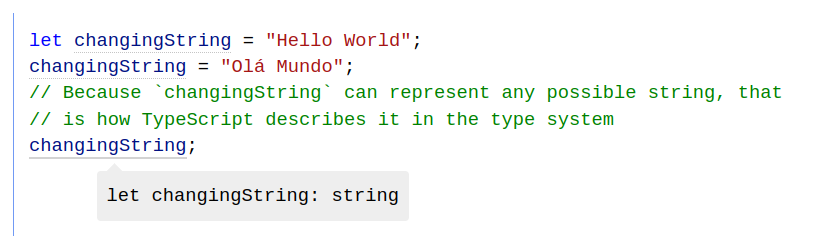
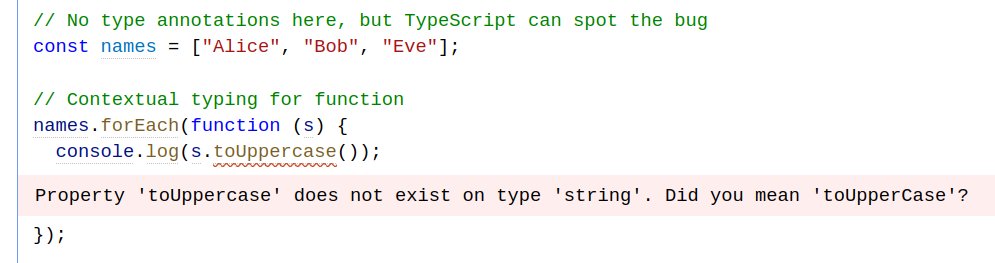
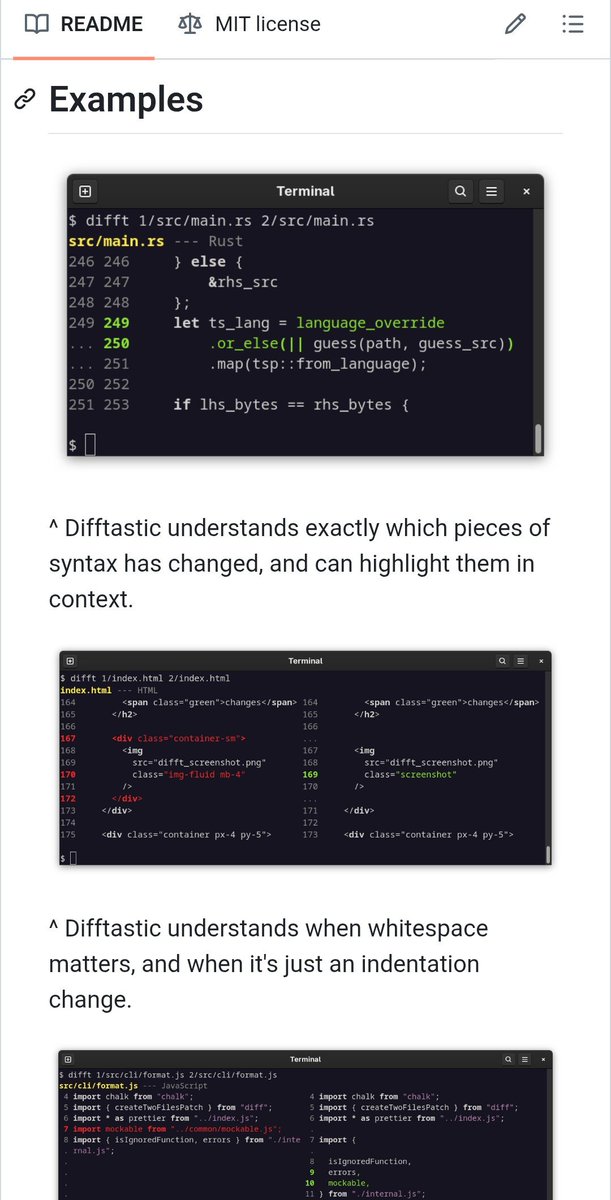
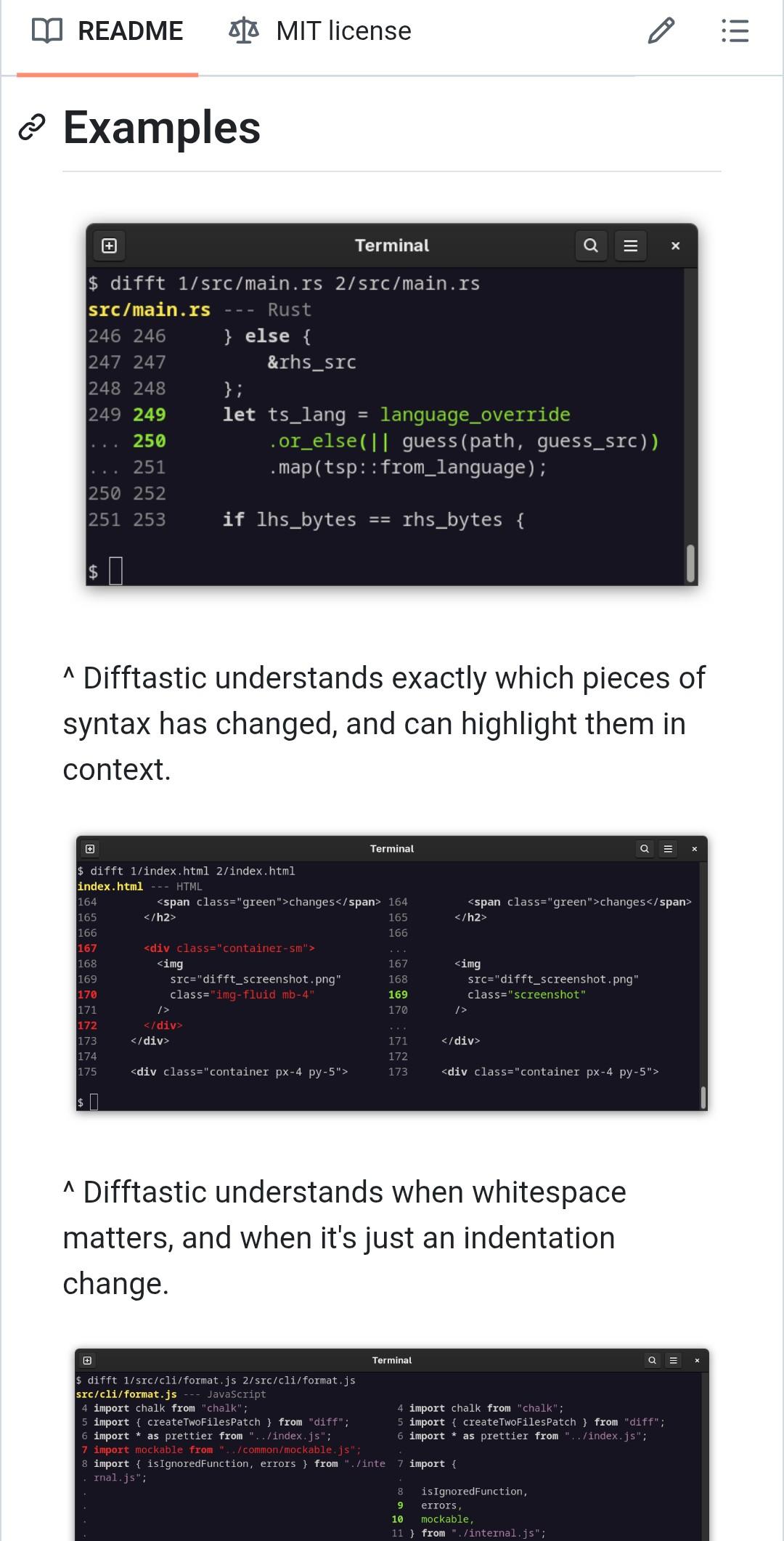
It is *really* hard to find a good screenshot for a CLI tool when users are on a mobile browser.
This is the best I've come up with so far. I'm showing the terminal GUI to show where you'd use the tool.
I'm also trying several standalone screenshots to make it more comprehensible.
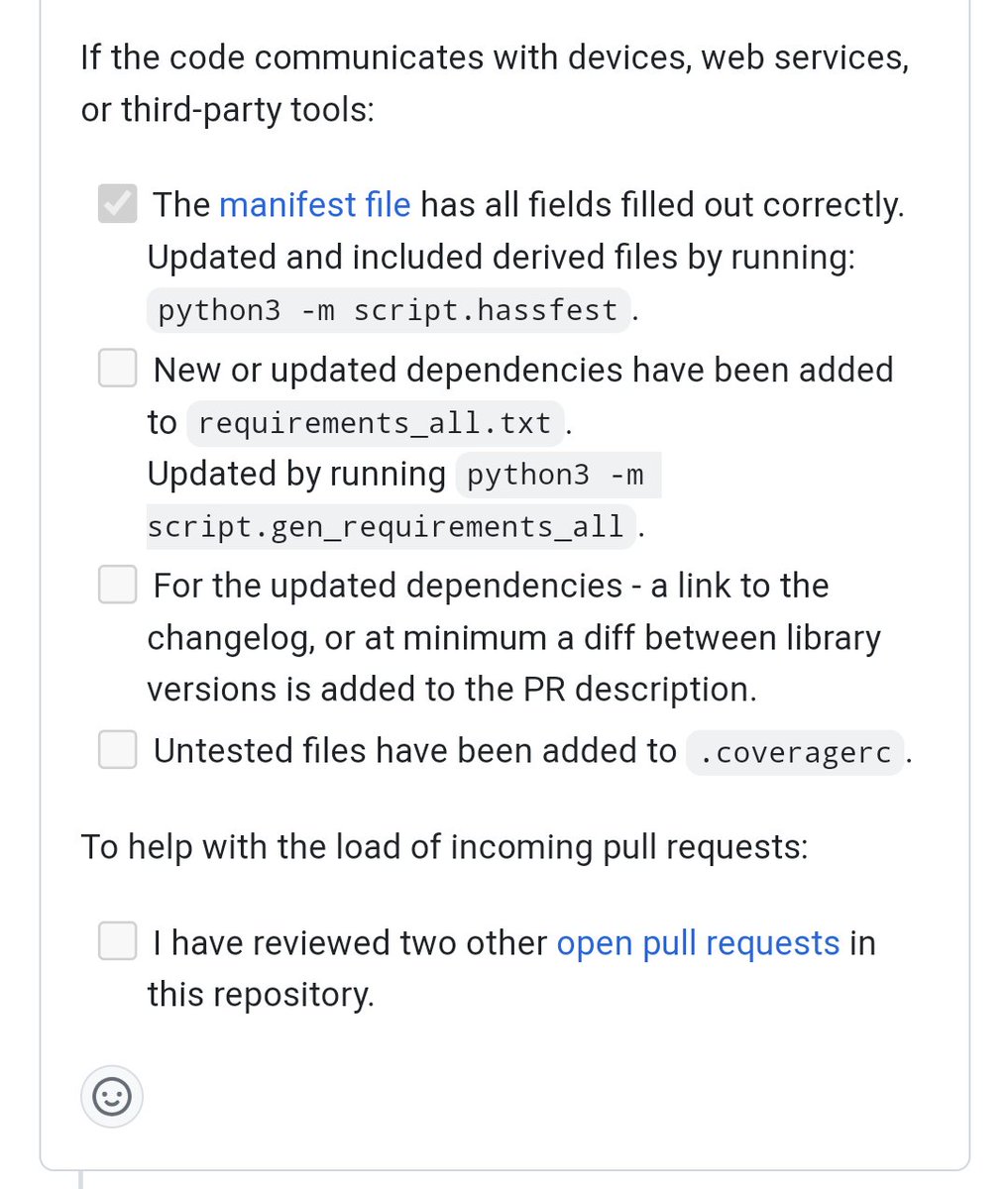
One interesting technique to reduce the review burden in Home Assistant, a project with a large community: ask PR authors to review other PRs!
Screenshot is from
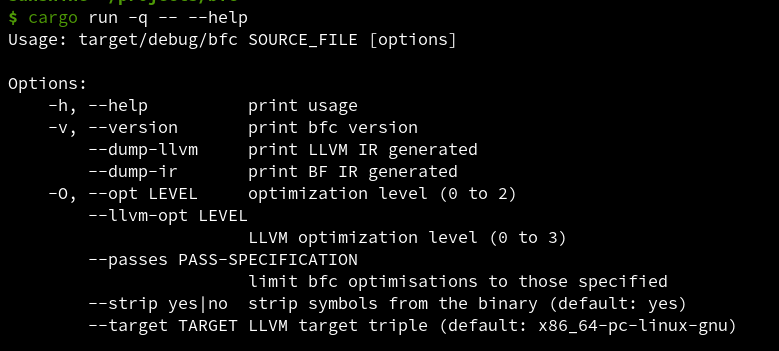
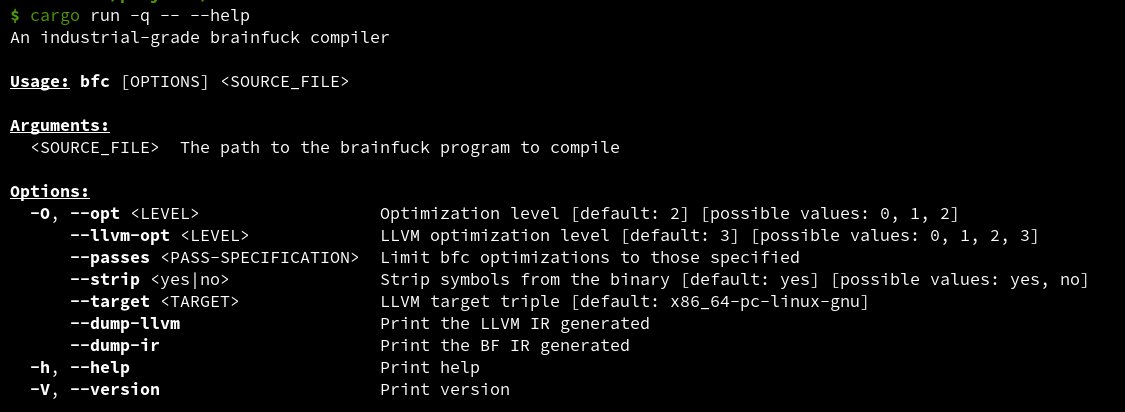
Porting my 2016 Rust project from getopts to clap, and it's amazing how far the ecosystem has come.
clap gives me a nicer help, automatic value validation, and can even generate completions for shells!
First screenshot is getopts, second is clap.