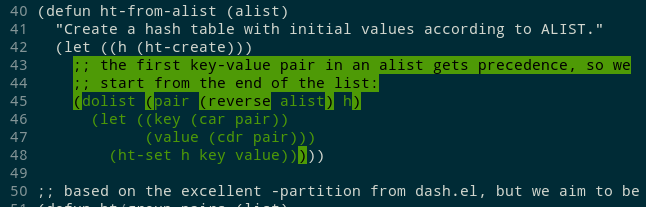
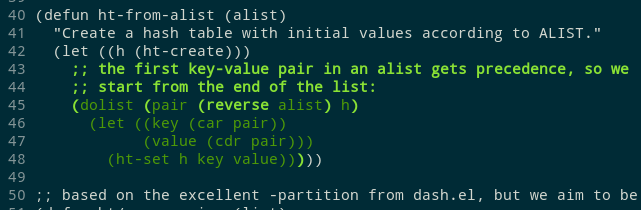
@krinkle@mastodon.technology I don't know of anyone using difftastic by default, including me! (I use it >50% of the time though.)
I toyed with background colours but I didn't find anything that I really liked. Contrast is hard, and depends on the user's theme.
Background colours look bad with syntax highlighting (e.g. red background with blue comment text).
It also looked silly due to ignoring whitespace between symbols.
It's an interesting space and I'm still experimenting :)
miniblog.
Related Posts
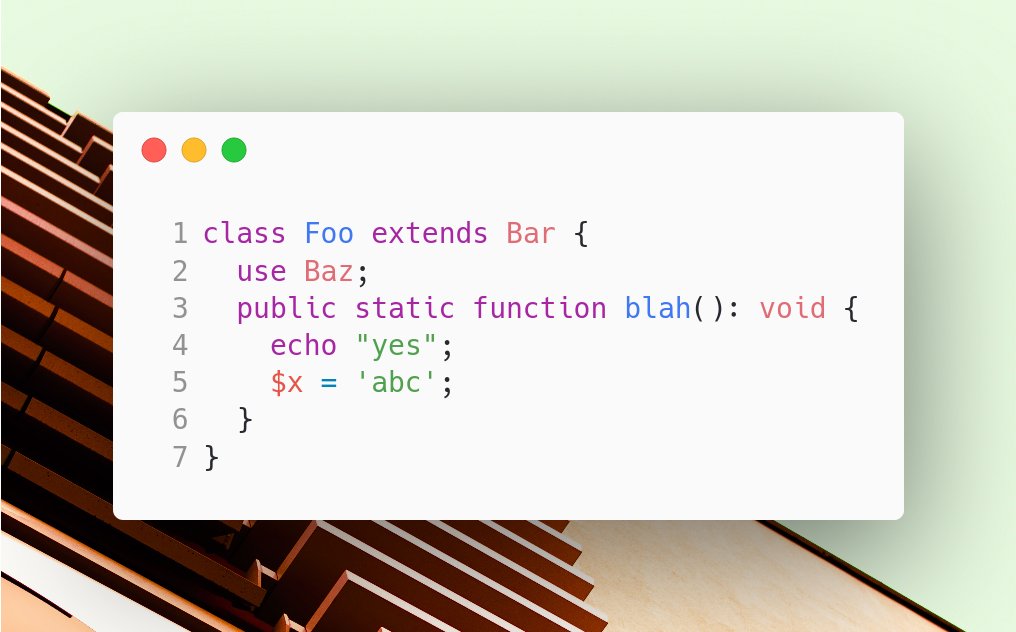
I'm really impressed by the styling options in https://carbon.now.sh for producing images of code.
I'm often dissatisfied with my options for displaying code samples in slides, this might be a better option. Line numbers and (light background) syntax highlighting matter.
Apparently eBay decided to change their background colour gradually, to avoid user backlash! https://kulor.medium.com/how-ebay-secretly-changed-their-background-colour-from-yellow-to-white-ffd9718e7bb
I'm still trying to find a colour scheme I like for my diff tool. I need two different styles: added code should be more prominent than moved code.
ANSI colours are extremely limited, so I tried using green / green background. Using bold and bright green seems to work better.