I've started using DNSControl for configuring DNS for my personal domains and it's been delightful. Declarative DNS!
I get comments (the DSL is just JS), history (it's in git) and trivial rollback! I've switched my DNS provider to Hetzner (which is free!) to use this.
I do occasionally find myself wanting to use the phrase "you're absolutely right", especially in technical discussions.
I've started avoiding it though. I worry it'd make me sound like I'm just automating my comments.
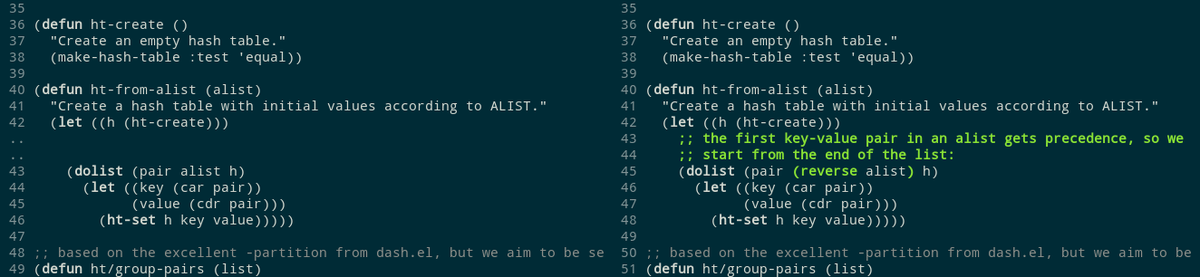
LLMs have a really unfortunate habit of leaving comments that exactly describe the bug they just fixed. I keep getting code like this:
// Let Alice and Bob log in.
if user_tags is None: